




CHF22.90
(tax incl.)
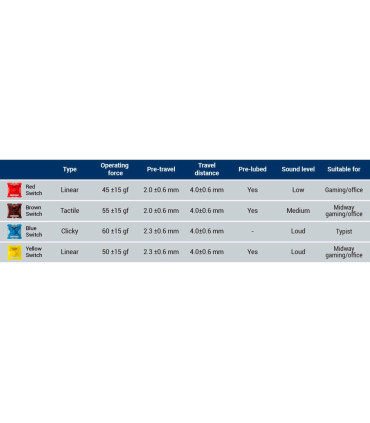
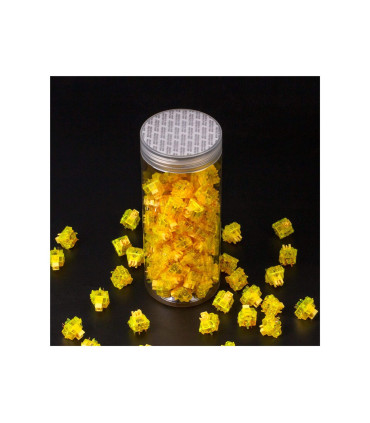
tactile switching characteristics Release pressure: 55 cN actuation force Gateron Cap Switch Gently audible click 35 pieces
043 411 06 80 | Swiss stock | Twint | 14d Right of return


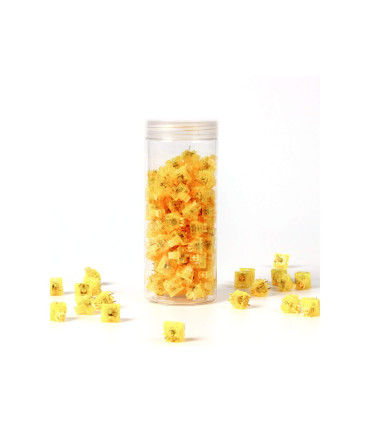
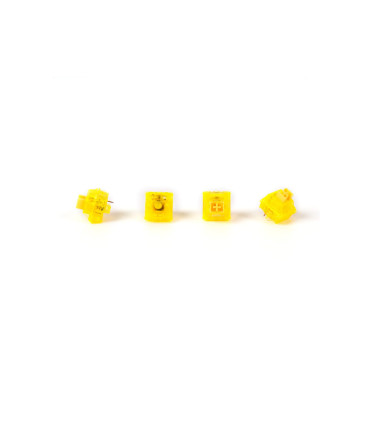
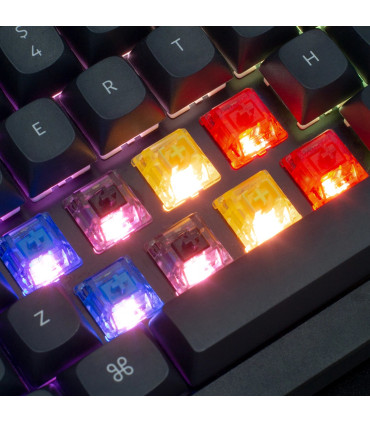
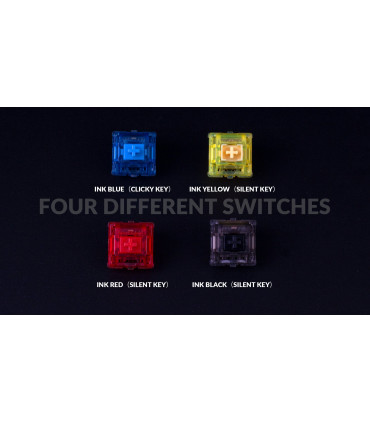
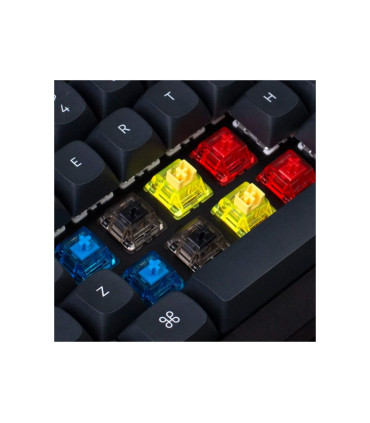
The Gateron Ink V2 switches are some of the best mechanical switches and guarantee a smooth and tactile typing experience. The SMD LED compatible switches are fully compatible with the regular, mechanical Keychron keyboard (hot-swappable).
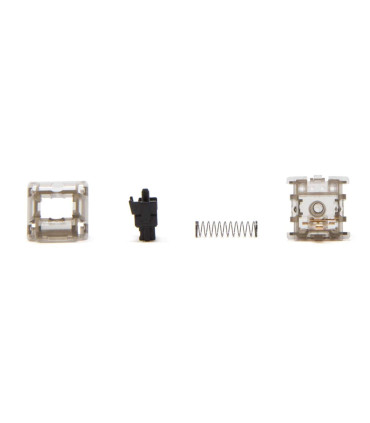
With the smoky, transparent body, the Gateron Ink V2 switches give you a brand new and satisfying typing experience. Each print is significantly smoother and more natural with very little feather crunch, resulting in excellent sound.
The improved housing helps to make the contact sheets more secure, which prevents them from falling out. The entire standard construction of the Gateron Ink switches makes typing a pleasure.
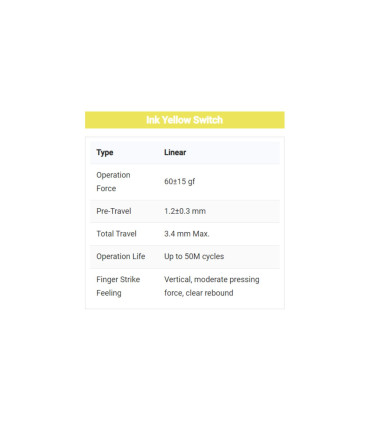
Release pressure: 60 cN actuation force
Release height: 1.2 mm travel (3.4 mm total travel)
Type: linear switching characteristic (sound level low)
Specifications
Special order numbers











Please sign in first.
Sign in
 English
 Deutsch
 Français