


Currently out of stock


Showing 193-198 of 198 item(s)
Start with your needs. Check the exact model before choosing accessories.
Match the switch system, pin layout and manufacturer approval. A similar shape does not prove compatibility.
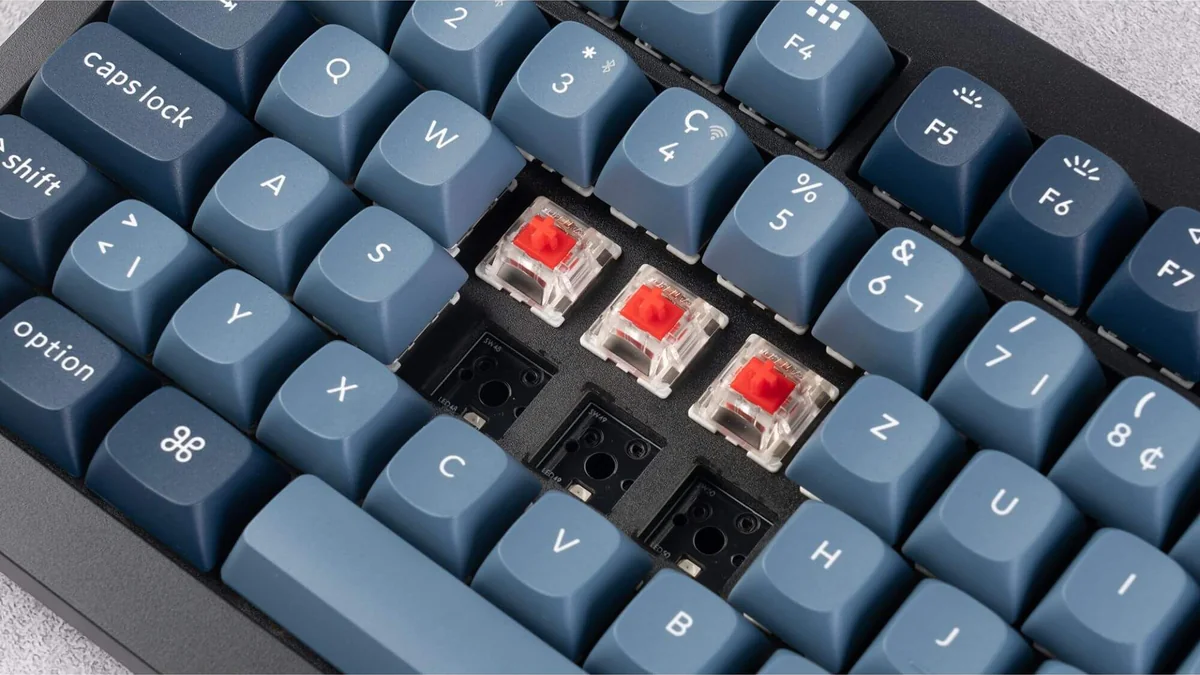
Mechanical, magnetic and low-profile switches are different systems. Check the manufacturer approval for the exact board.
Compare pieces per pack with the number of switches your board needs. Include a reserve only if you want one.
 Richie
Point of contact · Typing feel & sound
Start with the switches your keyboard supports, then choose the feel you prefer.
Filter
Essentials
No matching option
No matching option
No matching option
Filter By
Find it later via the heart in the menu.
Open wishlist